ReelRoutine
For mobile app foundersFirst hook in 3 seconds

Turn your app into viral TikTok posts.

ReelRoutine reads your app store listing, writes TikTok-native hooks, and builds slideshows and AI-creator videos ready to post. No filming, no editing, and nothing that needs your face on camera.

  • No card needed
  • You see the post before you pay
  • Under 60 seconds
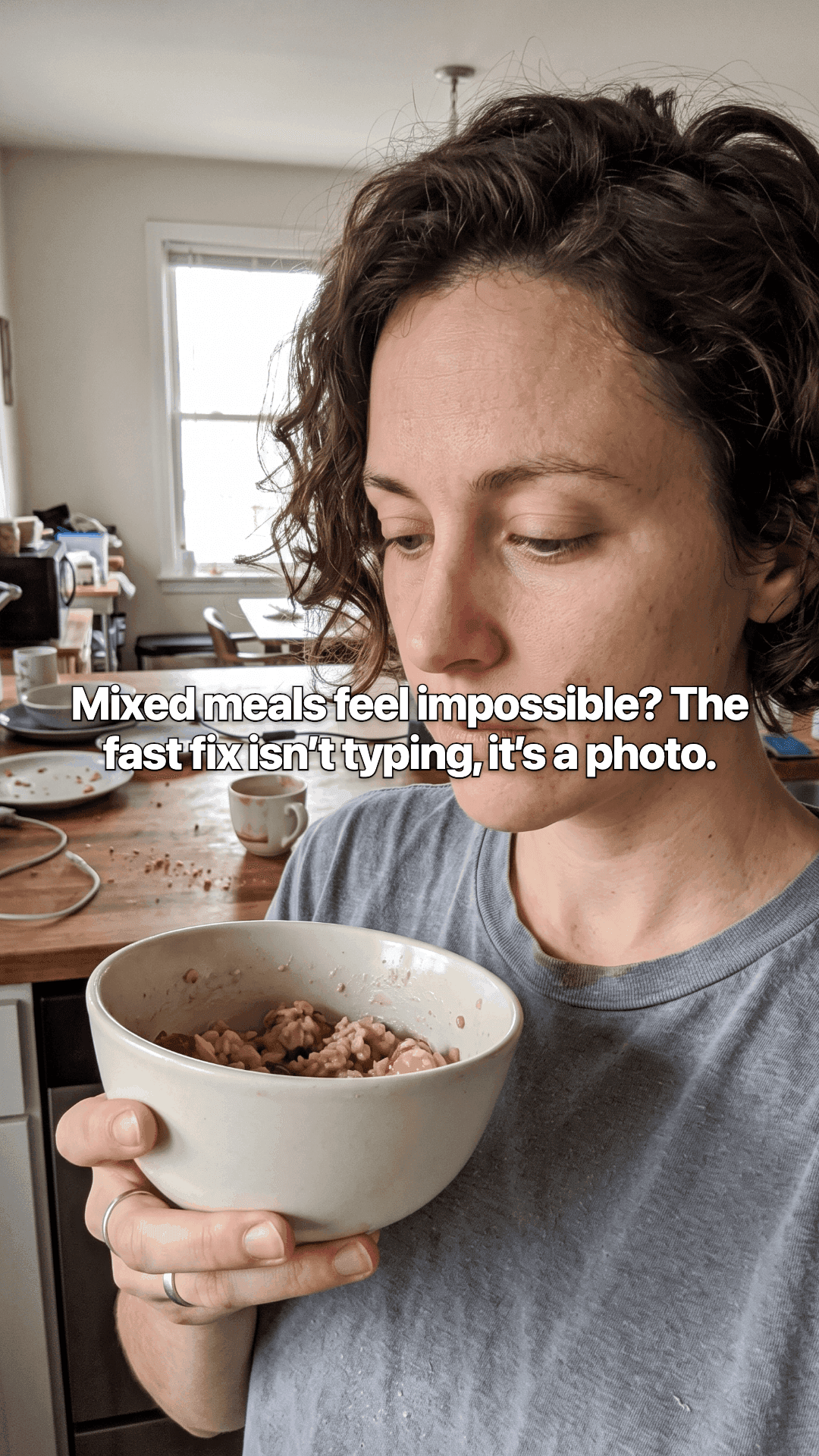
The first slide of a post made for Nutrima: a woman in a kitchen holding a bowl of oatmeal, with the opening line of the post across the photo.

Slideshows and AI-creator videos, written from your listing.

to your first hook
3sto your first hook
hook angles
9hook angles
slideshows and AI videos
2slideshows and AI videos
languages
7languages
How it works

Paste a link, get a post

Three steps, about 60 seconds. Slideshow or AI-creator video at the end.

  1. Find your app

    Type its name and pick it from the list. ReelRoutine reads your listing, screenshots, and reviews to work out what your app does and who it is for.

  2. Watch it write

    Hooks appear in about 3 seconds, then the script. You see each step as it happens, not a spinner.

  3. Pick a format and post

    Get a slideshow carousel or an AI-creator video, edit the caption and hashtags, then download and put it on TikTok.

Proof

Posts it made

Slides from real posts, in the order each one plays, exactly as they came out of the app. No edit passes, no designer.

Nutrima, a calorie tracker. 6 slides, from its store listing.

A woman in a kitchen holding a bowl of oatmeal, looking down at it, with the opening line of the post across the photo.
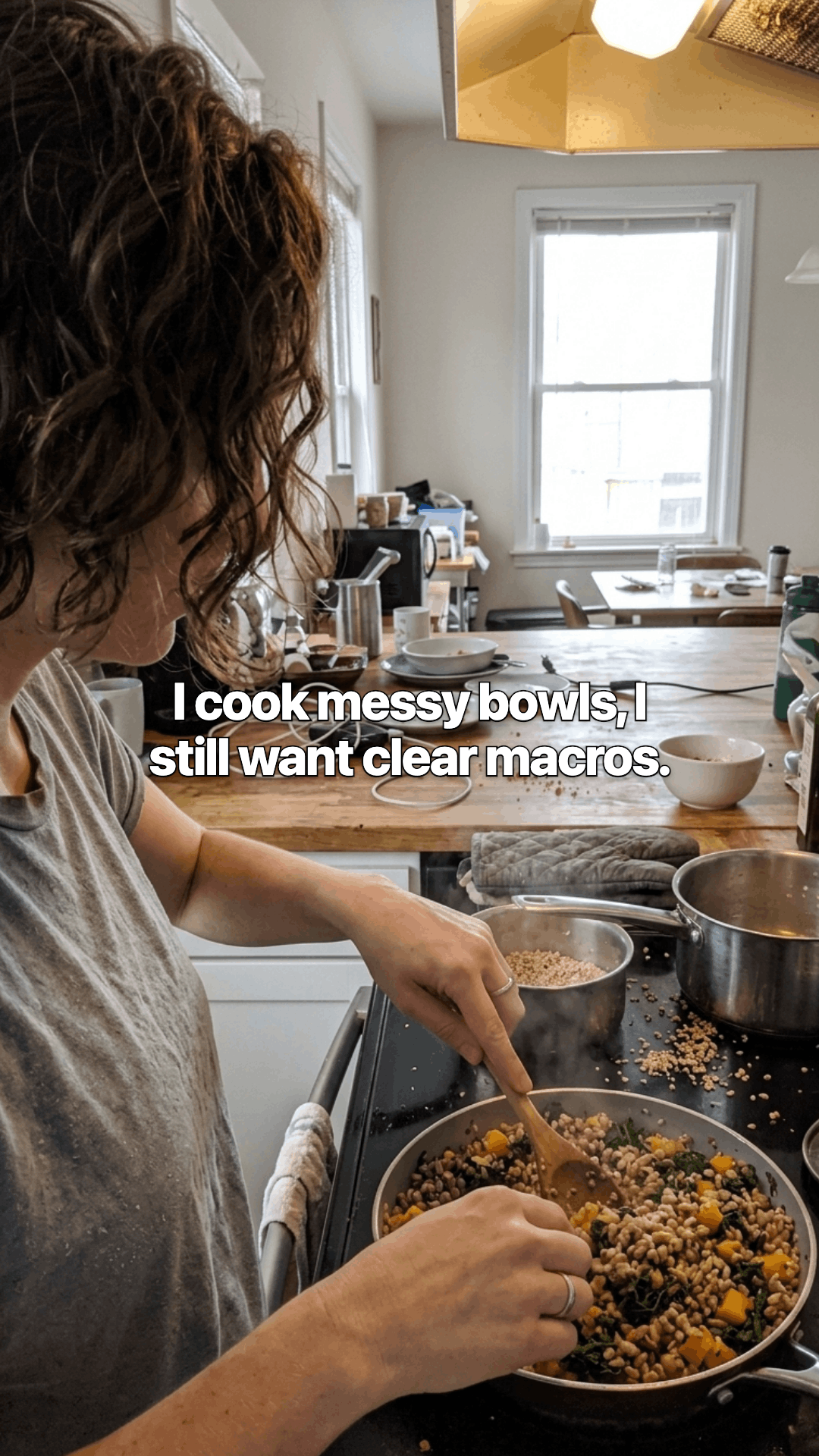
A woman at a stove stirring a pan of grains and vegetables, with a line of the post across the photo.
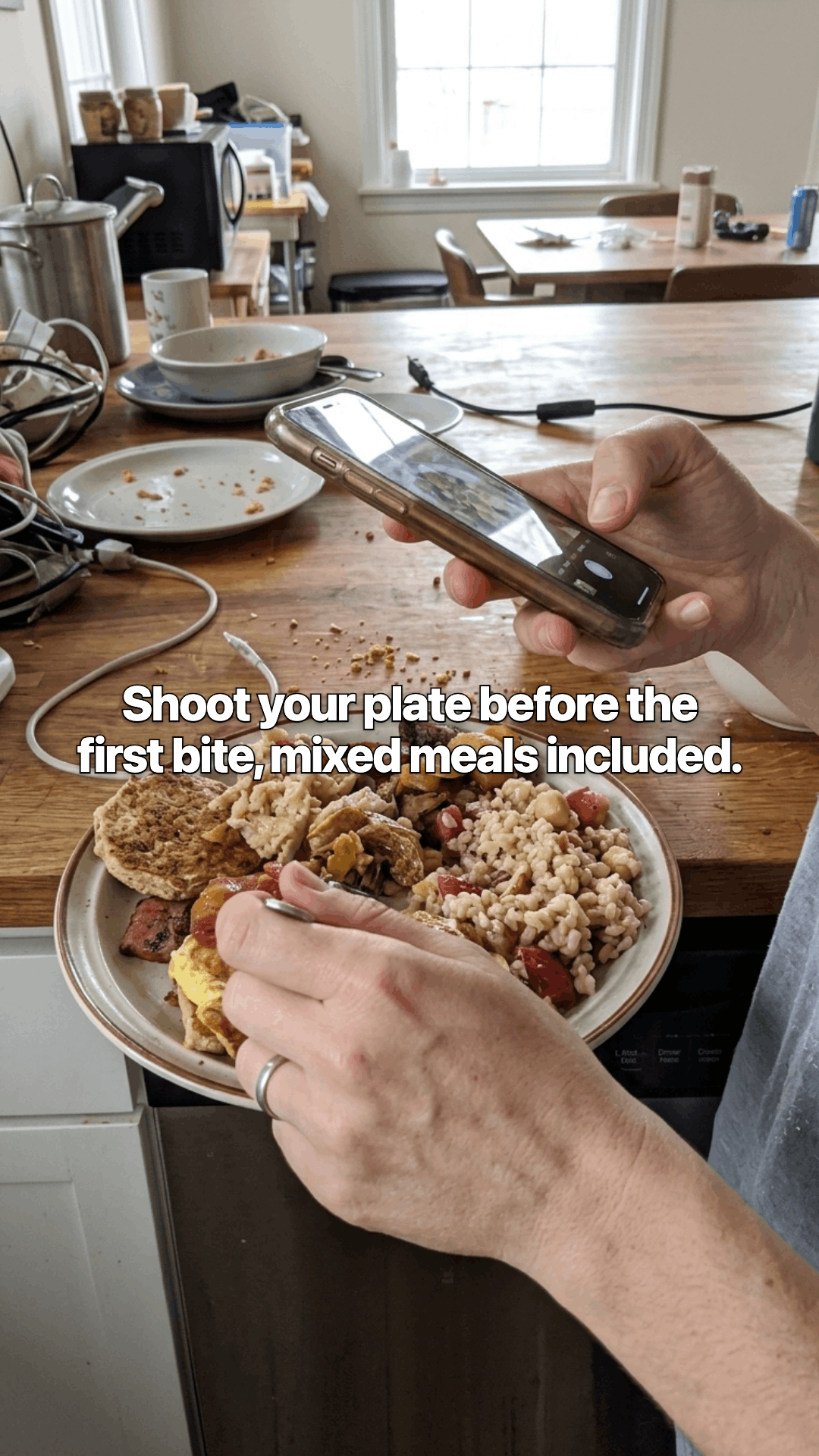
Two hands over a wooden counter, one holding a phone up to photograph a plate of food, with a line of the post across the photo.
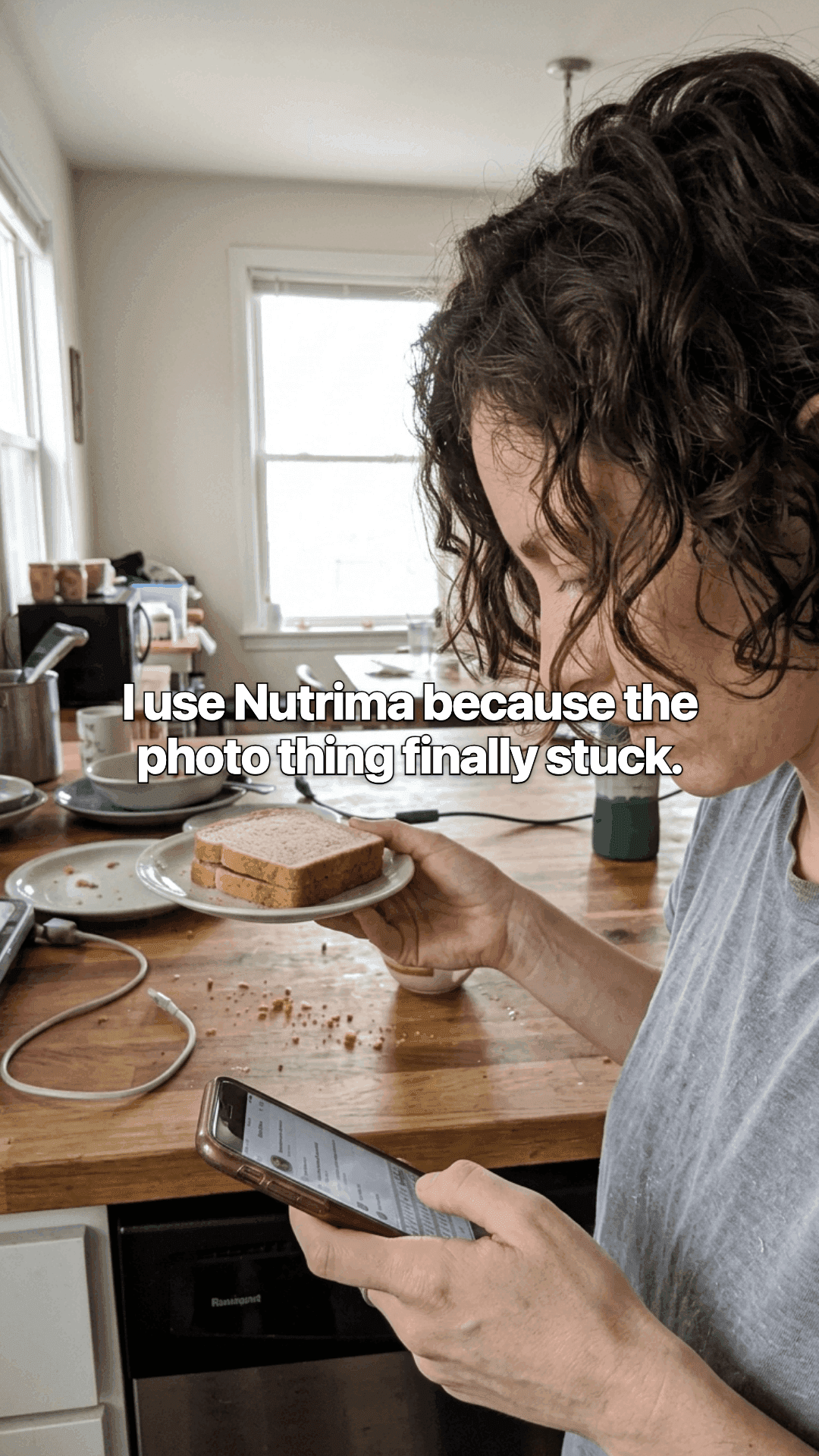
A woman in a kitchen looking at her phone, a plate of toast in her other hand, with a line of the post across the photo.
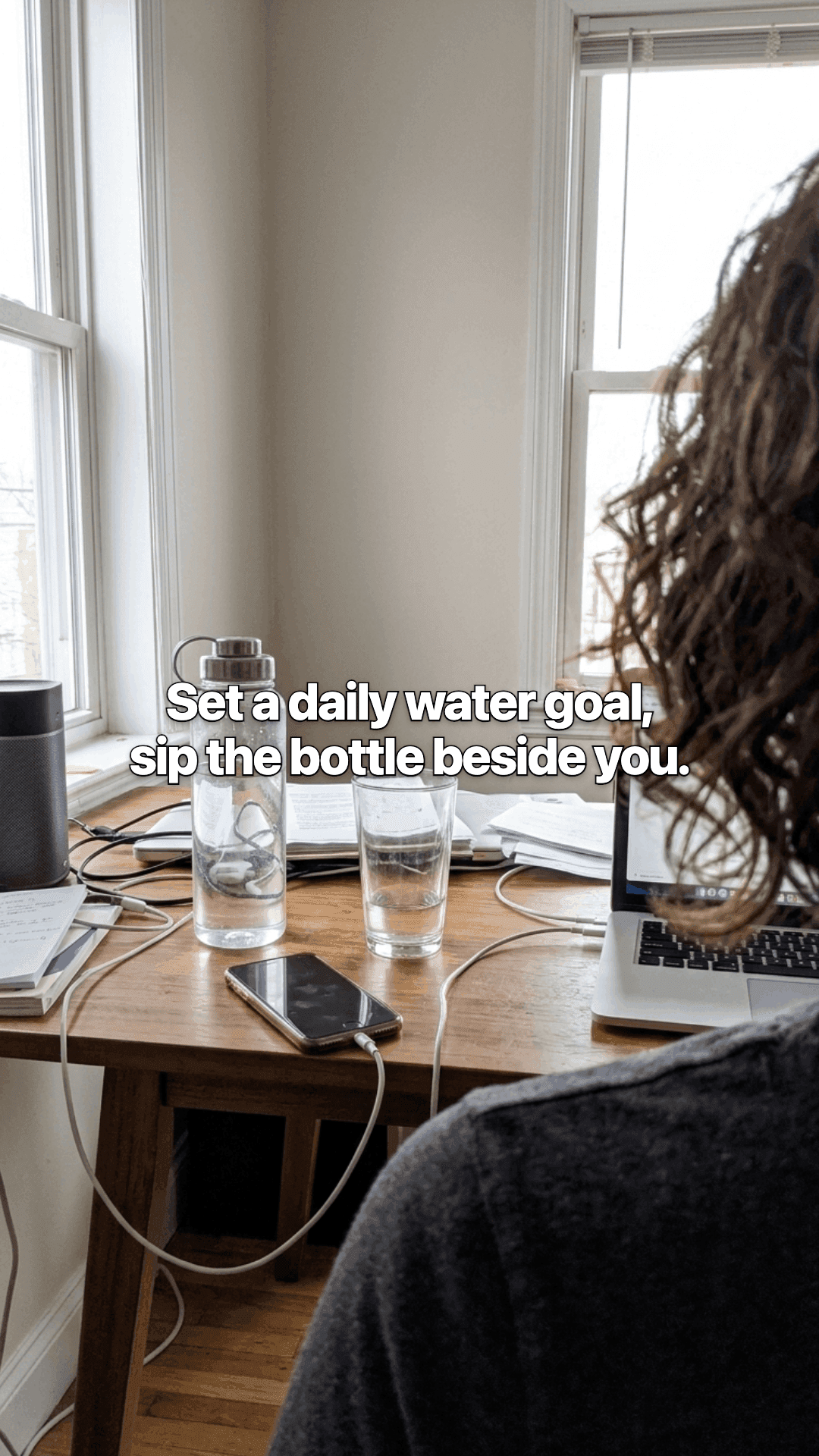
A desk by a window with a laptop, a water bottle and two glasses, seen over someone's shoulder, with a line of the post across the photo.
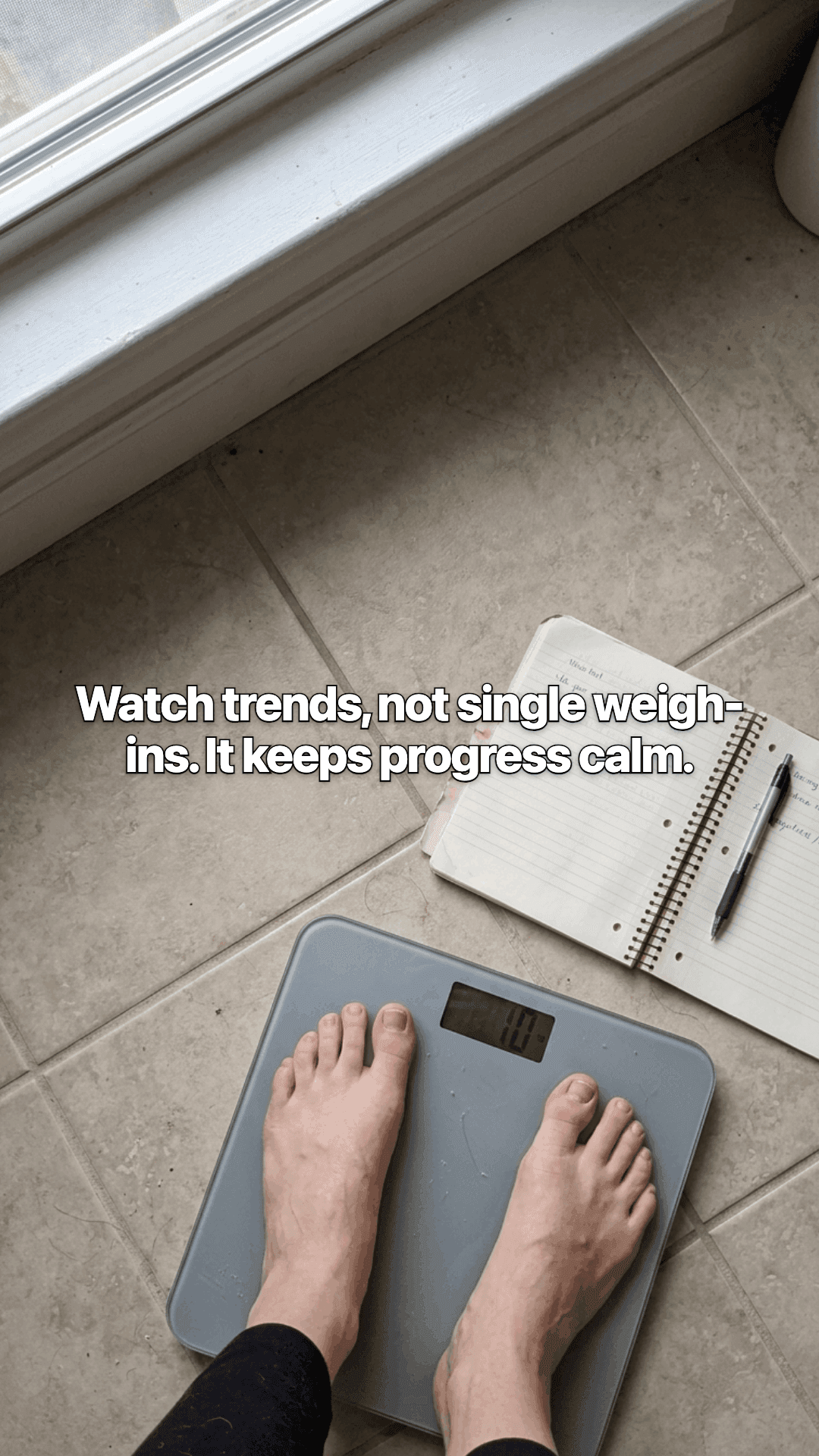
Bare feet on a bathroom scale on a tiled floor, an open notebook and pen beside it, with a line of the post across the photo.

Nutrima, a calorie tracker. 7 slides, from its store listing. A second post for the same app. New hook, new creator, same listing.

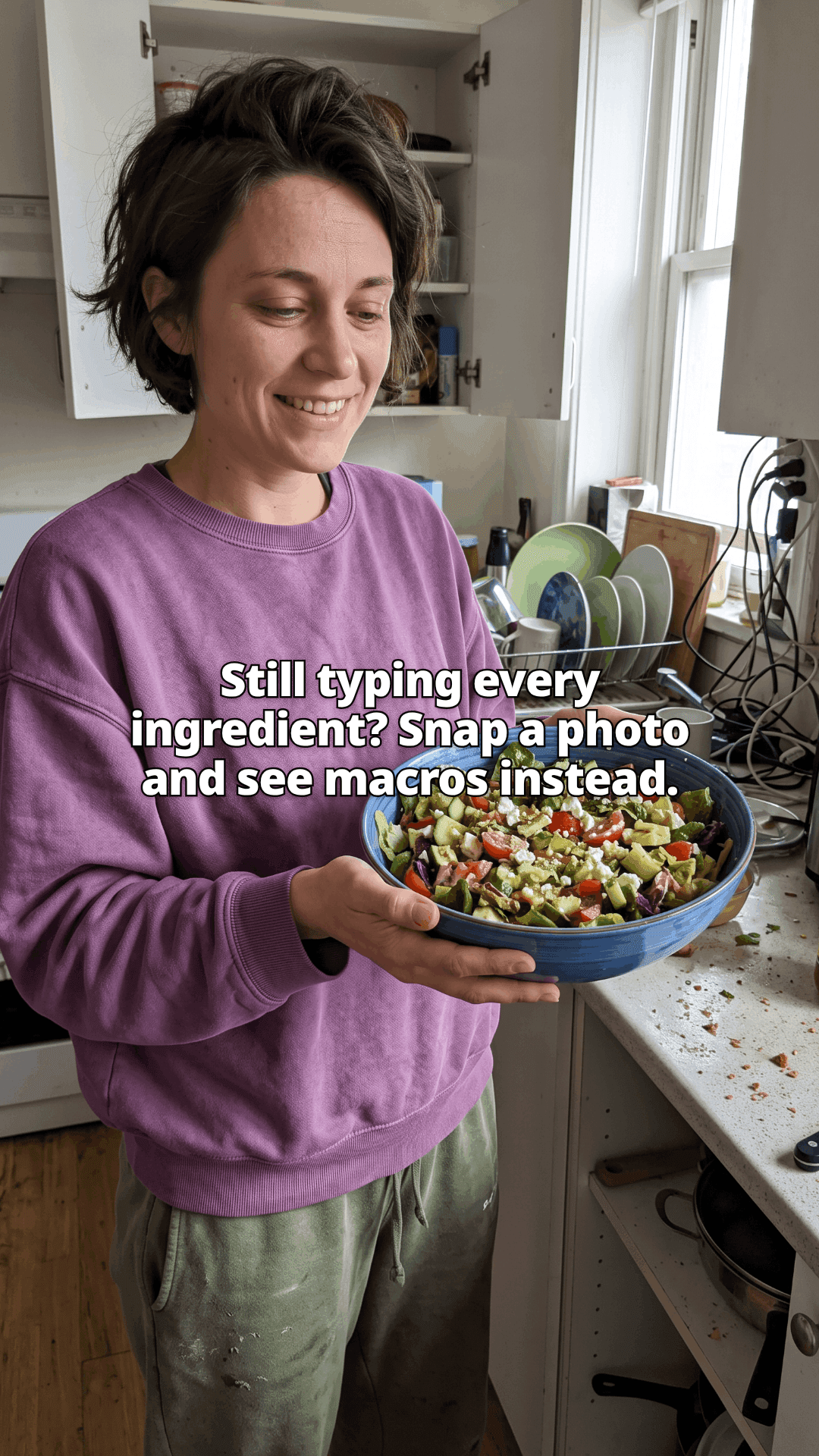
A woman in a purple sweatshirt standing in a cluttered kitchen, smiling down at the large blue bowl of chopped salad she is holding, with the opening line of the post across the photo.
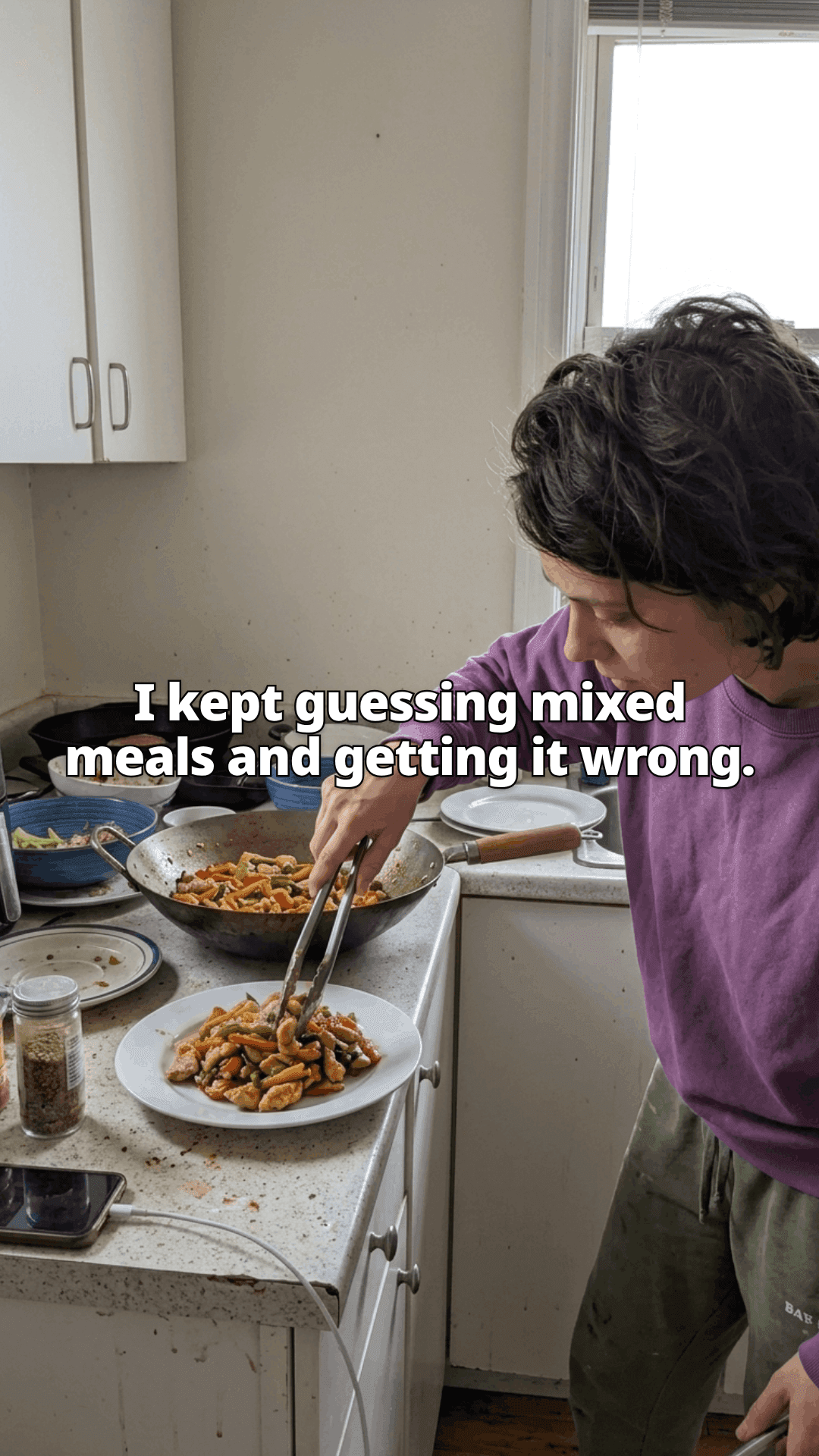
A woman leaning over a stove, lifting stir fry out of a wok onto a plate with tongs, used pans and dishes around her, with a line of the post across the photo.
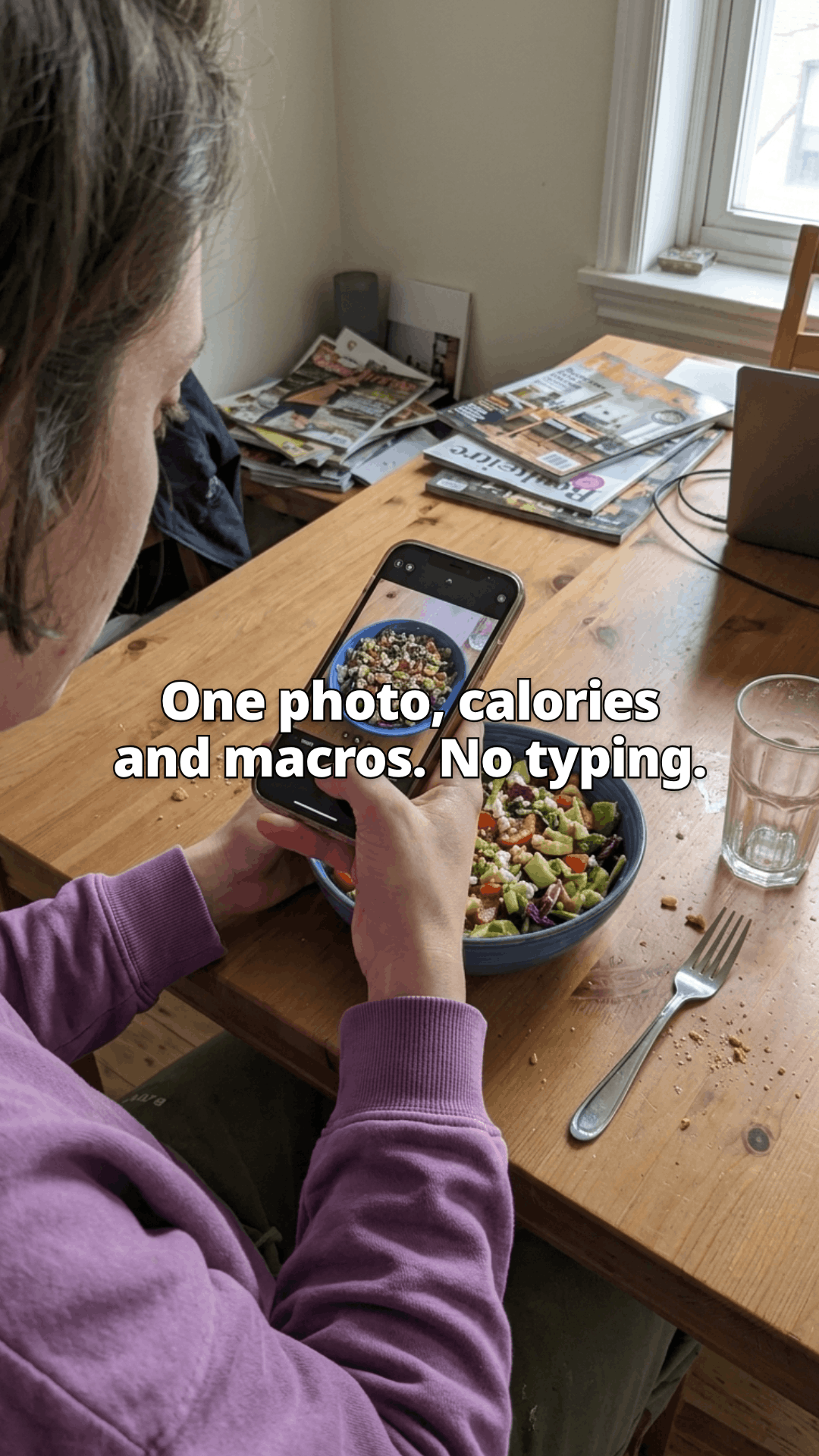
Seen over a woman's shoulder at a wooden table, she holds her phone above a bowl of salad to photograph it, a fork and a glass of water beside it, with a line of the post across the photo.
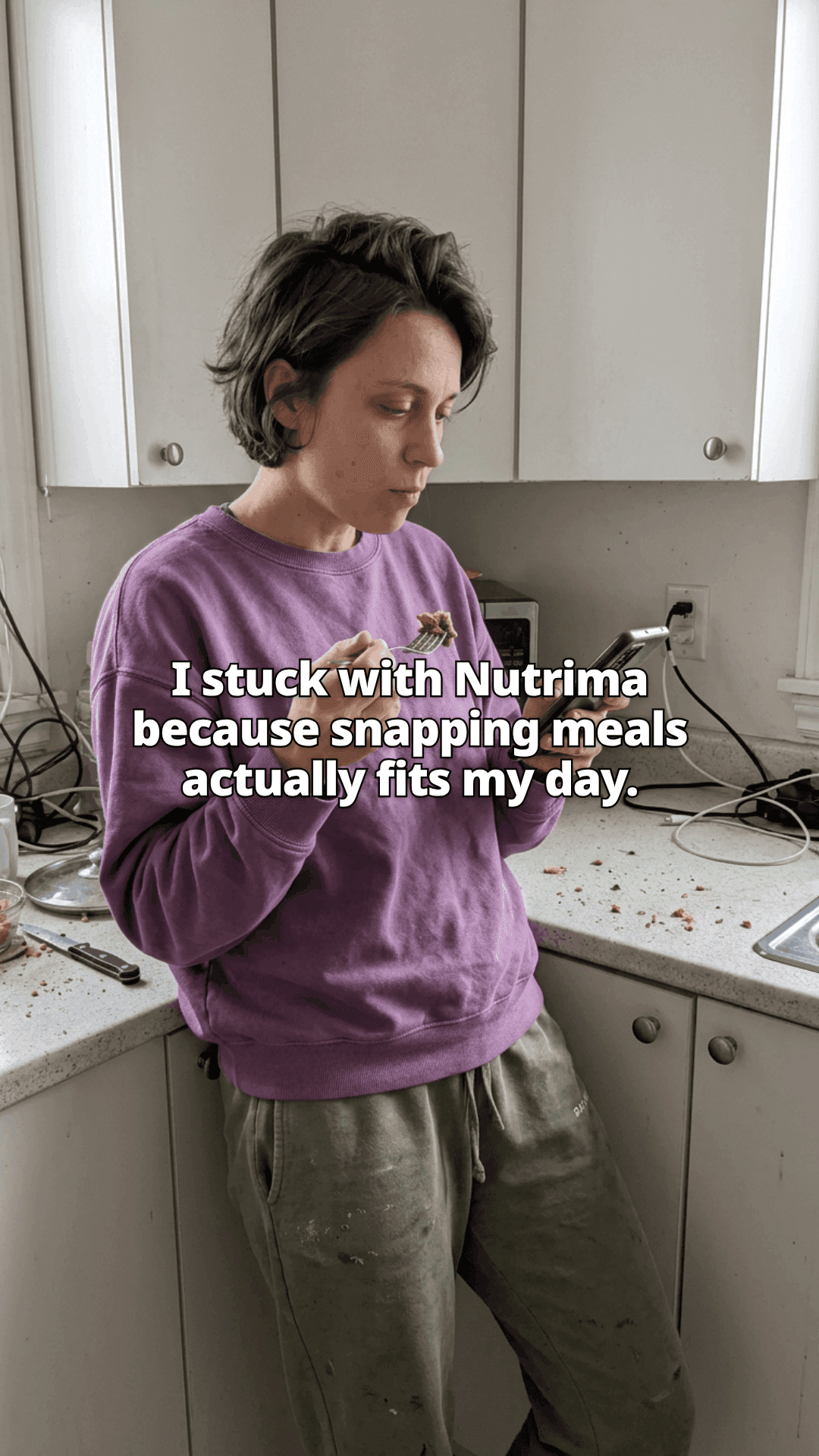
A woman leaning against a kitchen counter with a forkful of food in one hand and her phone in the other, with a line of the post across the photo.
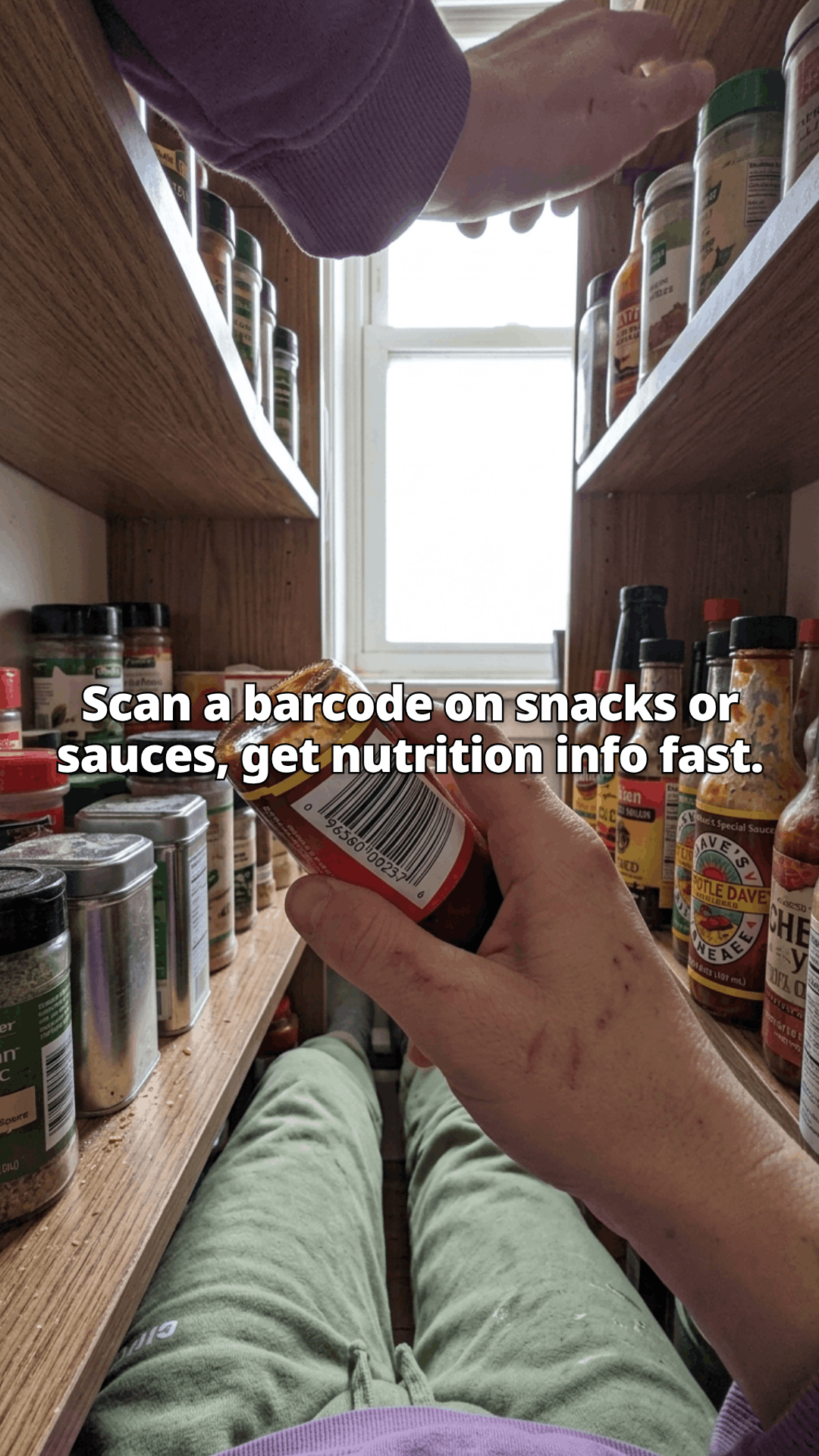
A first person view up into an open kitchen cupboard, one hand turning a jar to show its barcode among spice tins and hot sauce bottles, with a line of the post across the photo.
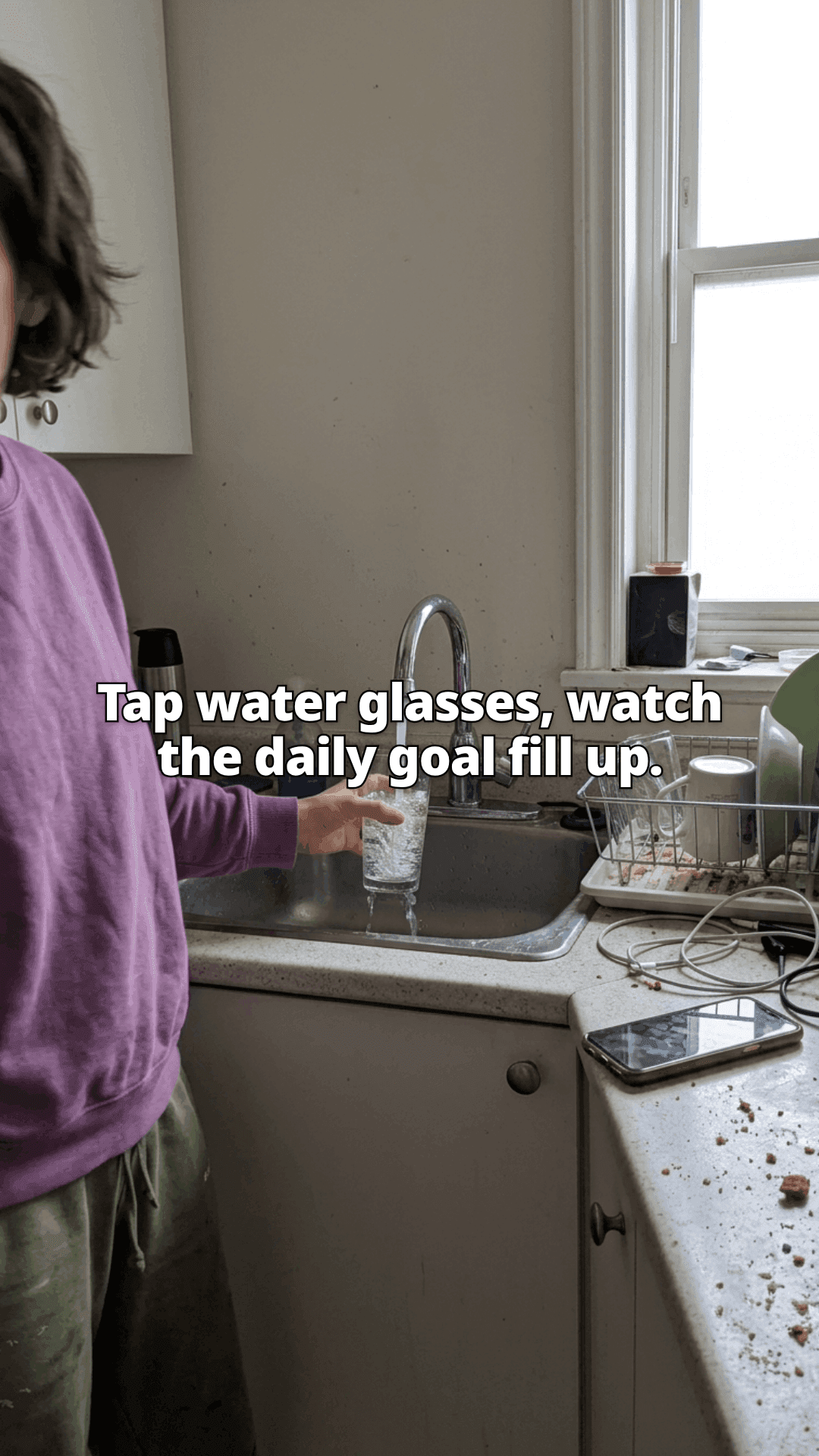
A woman filling a glass at a kitchen sink, a drying rack of dishes and her phone on the counter beside her, with a line of the post across the photo.
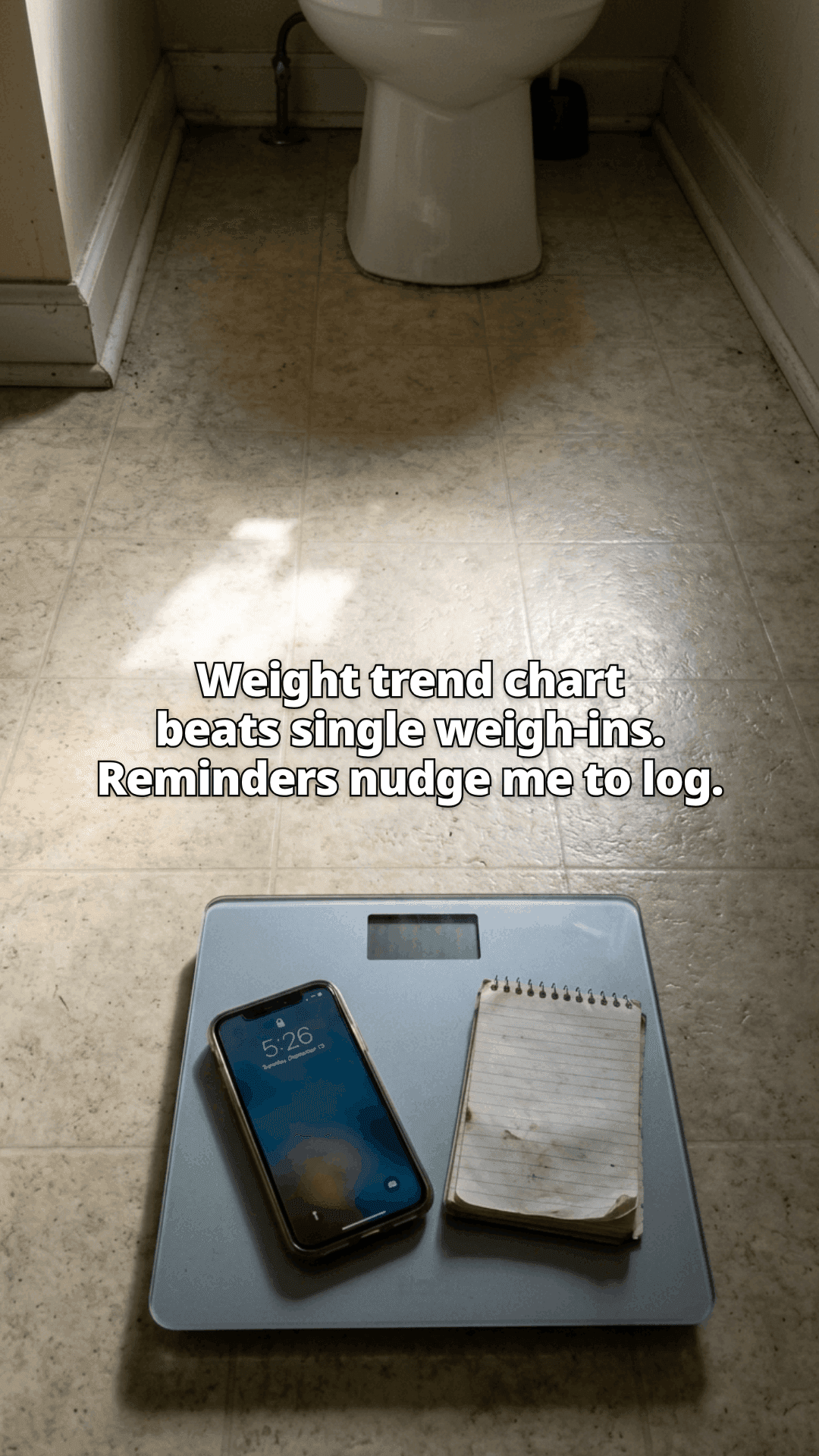
A bathroom scale on a tiled floor with a phone and a spiral notepad resting on it, in a patch of low sunlight, with a line of the post across the photo.
What you get

Two formats. Same hooks.

Pick a slideshow or an AI-creator video for each post. Caption and hashtags come with it, and you can edit both before you publish.

  • Slideshow

    3 to 8 images with one line of text on each. Download the carousel and post it as photos.
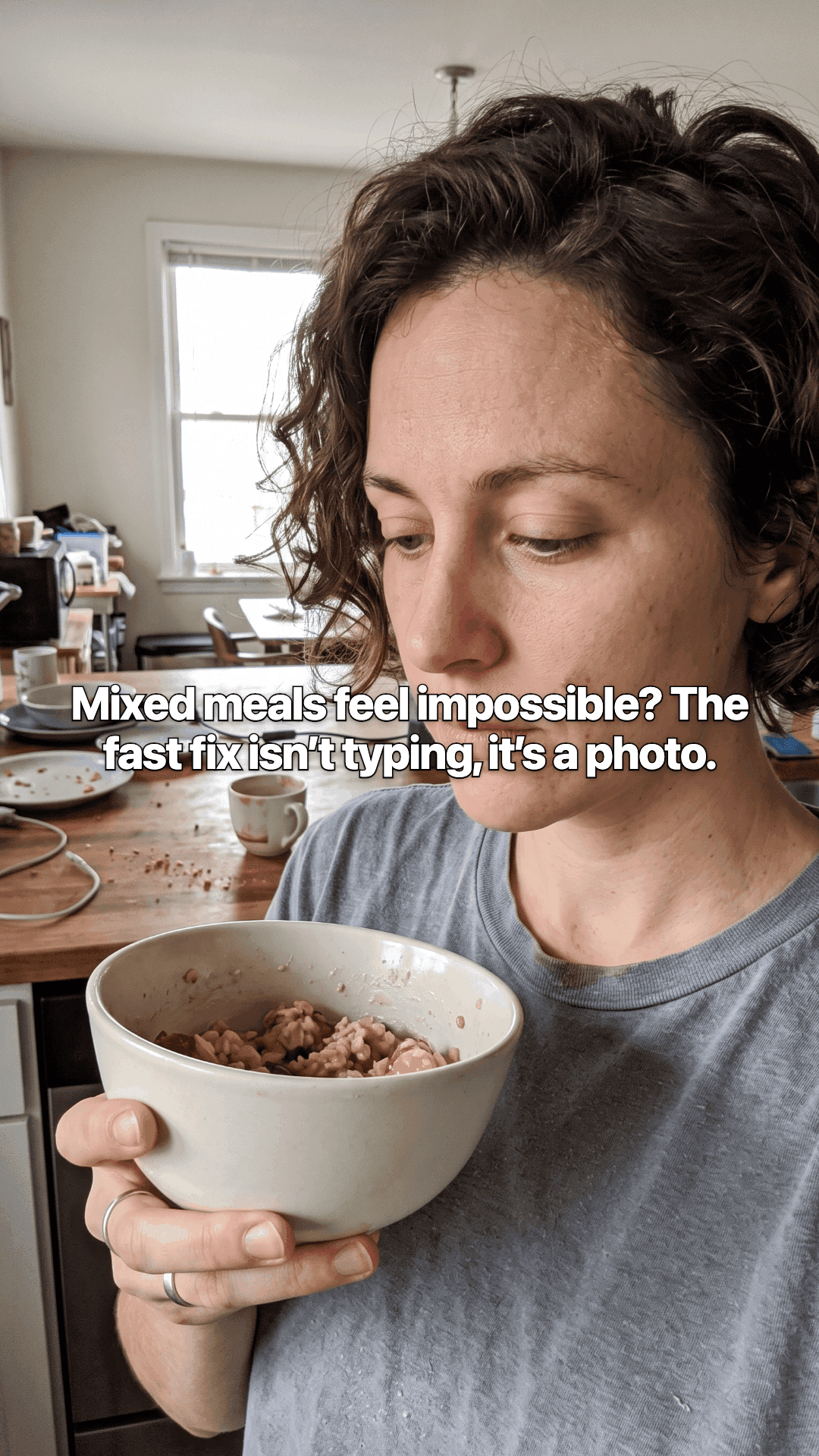
    Example slideshow slide: a photo with the opening line across it.1/3
  • AI creator video

    A talking creator delivers the hook on camera, with your screenshots cut in and captions burned in.

  • 01

    Hooks

    9 hook angles, written for TikTok

    From listicle to mistake to transformation. Never the same opener twice, and never a post that reads like an app description.

  • 02

    Creators

    AI creators that sound like your app

    Pick a face and voice for the video share. They deliver the hook and the value beats, with your app cut in.

  • 03

    Voice

    Your own voice

    Sliders for how formal, how bold, how funny. Set them once and every post that follows sounds the same way.

By hand, or not

Or you could do it yourself

Nothing here is impossible by hand. It is just the same jobs, every single day, for every post.

By hand

  • Read your own listing again and try to sound like a person
  • Hunt for images, or film yourself saying the same thing again
  • Lay out each slide, or cut a talking video, at the right size
  • Start from nothing again tomorrow

With ReelRoutine

  • Hooks written from your listing, screenshots, and reviews
  • Slideshows and AI-creator videos from the same brief
  • 3 to 8 slide carousels, or a creator on camera, sized for TikTok
  • Your brief, voice, and creators carry into the next one
Pricing

Two plans, no surprises

Both monthly or yearly. Yearly is 2 months free. Your first post is free before you pick one.

Solo

$29a month

One app. Steady TikTok output.

  • 100 posts a month
  • 1 app
  • 1 TikTok account, posts delivered to your drafts
  • Scheduled posting: pick the times, approve, we send the drafts
  • Up to 20 posts a day
  • Slideshows and AI-creator videos
  • Caption and hashtags with every post
  • Download every post as images and a caption file
  • First regeneration of any post is free
  • Edit hooks, captions, and hashtags before you post
Choose Solo

Enough for one app posting most days

Most Popular

Pro

$79a month

Several apps. More posts when you need them.

  • 400 posts a month
  • 5 apps
  • 5 TikTok accounts, posts delivered to your drafts
  • Scheduled posting: pick the times, approve, we send the drafts
  • Up to 60 posts a day
  • Slideshows and AI-creator videos
  • Caption and hashtags with every post
  • Download every post as images and a caption file
  • First regeneration of any post is free
  • Edit hooks, captions, and hashtags before you post
  • Unlimited custom AI creators
Choose Pro

Best when you run more than one app

See credit costs and yearly prices

Cancel any time. Every credit cost is published. Everything you made stays downloadable.

Questions

Before you start

  • What do I actually get?

    Finished TikTok posts: a slideshow carousel (3 to 8 images) or an AI-creator video, plus a caption and hashtags. Download them and publish when you are ready.

  • Slideshows or video?

    Both. Slideshows are photo carousels with text over each frame. AI-creator videos put a talking creator on camera with your app footage cut in. You pick the format per post.

  • Do I have to be on camera?

    No. Slideshows are images and text. AI-creator videos use an AI creator, so nothing here needs your face, your voice, or a recording setup.

  • How long does it take?

    Under 60 seconds from pasting the link to a finished post. The first hooks show up in about 3 seconds, so you can tell early whether it understood your app.

  • Can I change what it writes?

    Yes. The caption and hashtags are editable on every post, and the brief and voice settings change how the next one is written.

  • Where do the pictures come from?

    Your app's own screenshots where they fit, then licensed stock photography, then generated images when nothing else suits the slide. Every image records its licence, and all of them are cleared for commercial use.

  • What happens to unused credits?

    They reset at the start of each billing period rather than stacking up. Your plan is a monthly allowance, not a balance you save.

  • Can I try it before paying?

    Yes. You get one post free with no card. You see the finished result in full, and you pay only when you want the files.

  • Which languages does it write in?

    7 for now: English, French, Spanish, German, Portuguese, Italian, Dutch. You pick one per app, and every hook, script, and caption is written in it.

  • Can I cancel?

    Any time, from your billing page. Your plan runs to the end of the period you paid for, and everything you made stays downloadable. If you ask us to delete your account, the data is gone within 30 days.

Your turn

Make your first TikTok post.

Search for your app by name. Your first post is free, and you see all of it before you decide anything.

  • No card needed
  • You see the post before you pay
  • Under 60 seconds
Make my first post